Prompt intake that feels effortless
Import a text file, paste Claude output, or split a script into scenes. The user sees image count, cost, and folder output before spending anything.
Turn a script into a complete production batch — consistent scene images, organized folders, cost controls, and clean exports ready for your editing timeline.
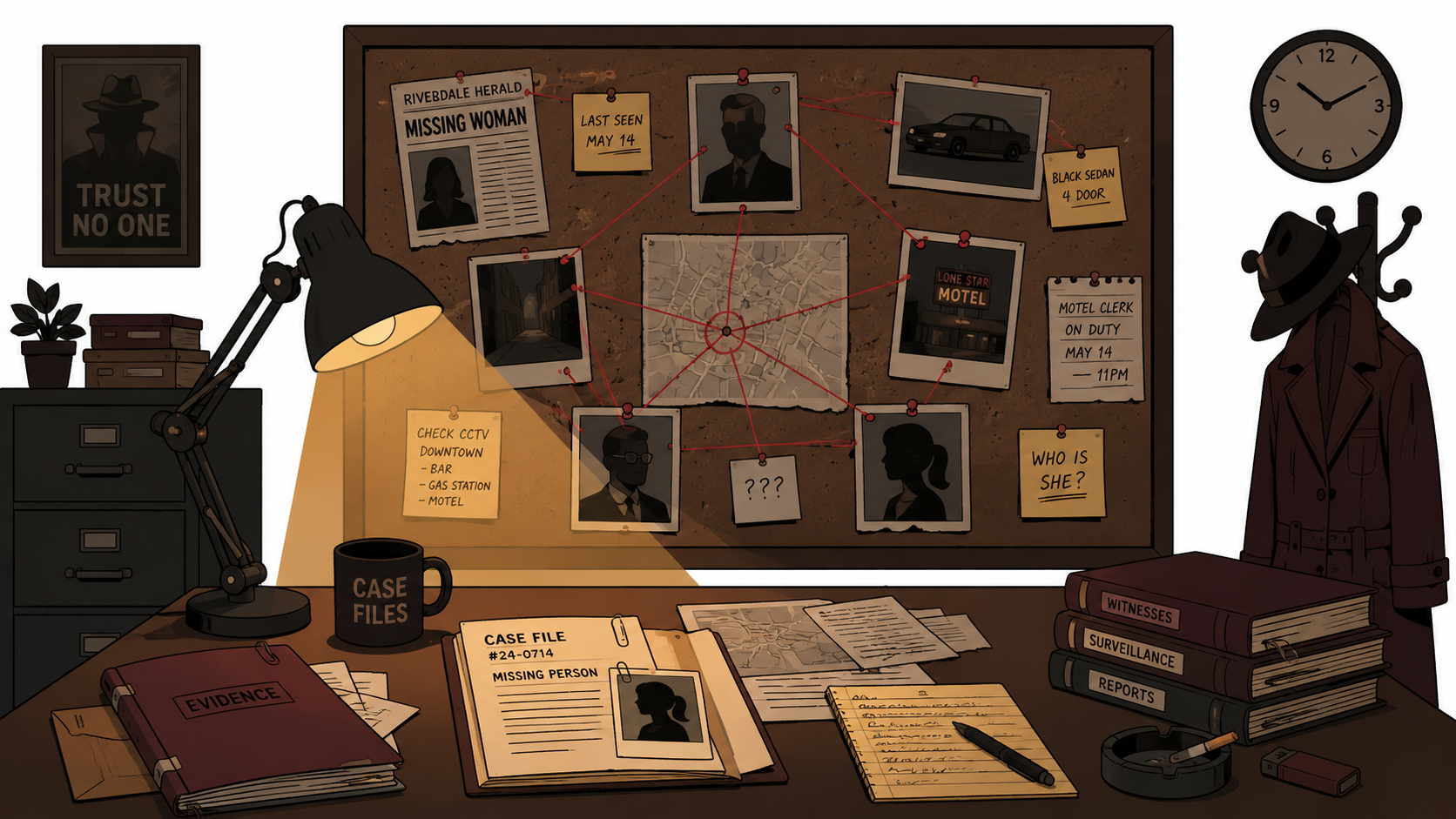
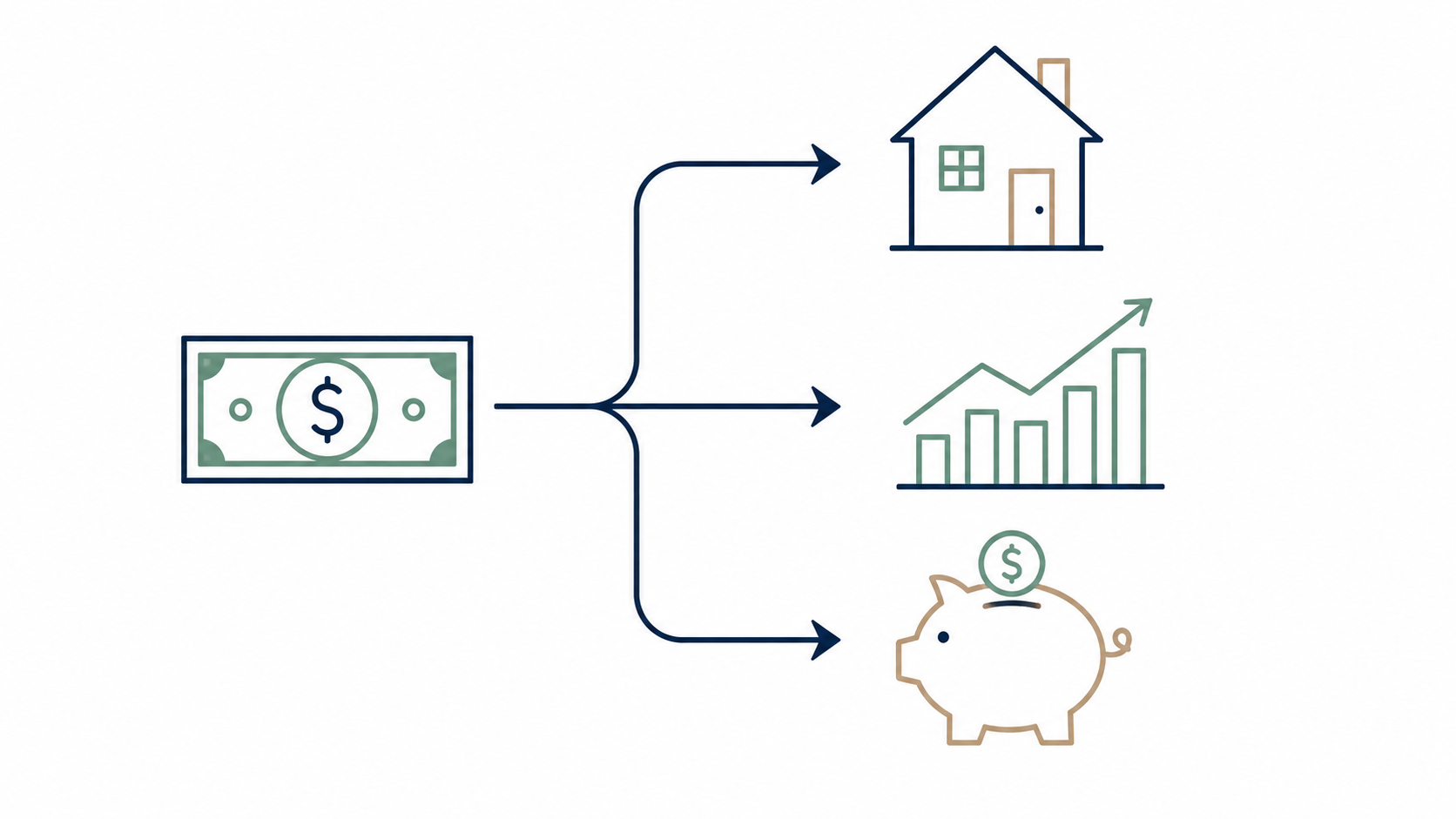
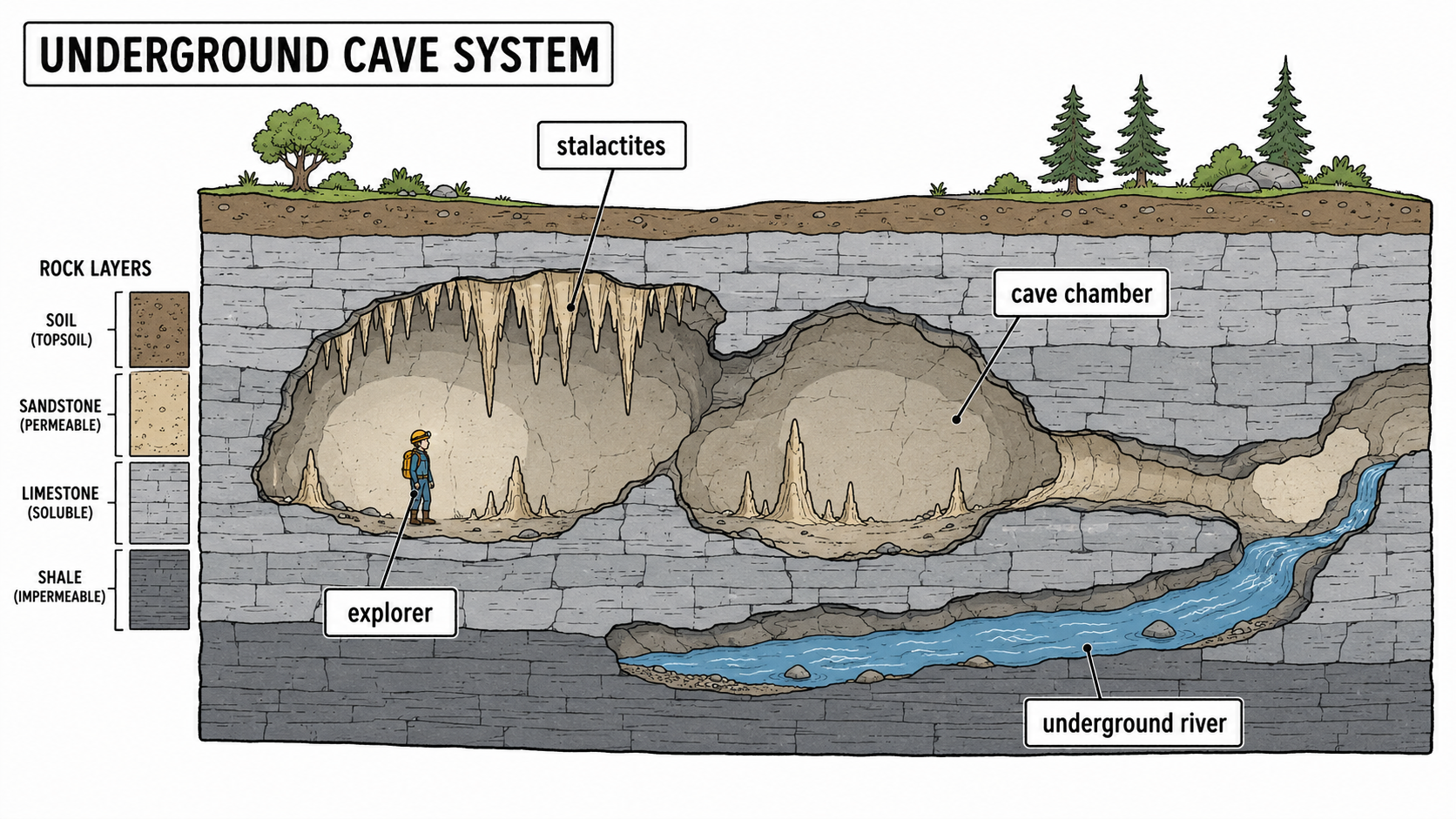
Three scenes from real batches. One style kit per video. Every image generated in parallel and exported as a numbered set.
 Wynder ✦
Detective's desk — case files, a corkboard of suspects, and one lamp cutting through the dark
 Wynder ✦
Where does a dollar go? — a clean diagram of the three places your money can work
 Wynder ✦
Underground cave system — a labeled cross-section with rock layers, explorer, and river
Why Wynder exists
I run a faceless YouTube channel. Every video needs 80–120 scene images to keep viewers engaged. I was spending hours prompting one image at a time in tools that cost over $100/month — tools that weren't designed for this workflow and still left me doing everything manually.
So I built Wynder. Paste your scenes, set your visual style once, generate everything in parallel, download clean folders ready for your editing timeline. The tool works because I use it myself — every video on my channel is built with it.
Paste a script, upload a prompt file, or pipe in Claude output. Wynder organizes every scene into a named folder with retries, cost controls, and a clean export — ready for your editing timeline.
Import a text file, paste Claude output, or split a script into scenes. The user sees image count, cost, and folder output before spending anything.
Reusable prefixes, references, model choices, aspect ratio, and negatives are bundled into kits so every image in a batch stays visually aligned.
A creator-friendly gallery lets you favorite, reject, and retry failures one at a time — then export a numbered zip ready to drop into your editing timeline.
Wynder is focused on purpose — production tools for creators who want a direct path from script to finished channel, without paying for features they'll never use.
Tools built for a full AI cinema suite are useful when creators want everything — but if the job is "generate every image for this video," the extra surface area can feel expensive and slow to learn.
Wynder is the fastest path from script to a finished production batch — consistent visuals, clean exports, transparent cost. The image pipeline is first. More tools follow.
Pay only for what you generate, or lock in monthly credits at a better rate. No subscriptions required to start — buy a $10 pack and run your first batch today.
Subscriptions are billed annually — save $72/yr on Creator, $168/yr on Studio.
For creators testing the workflow or making occasional videos.
Buy credits only when you need them. No subscription wall.
For faceless channels producing regular videos with 50-200 images each.
3,000 credits included monthly. Rolls over one month if unused.
For channels posting at higher volume who need more credits and API access.
8,000 credits/month with 2-month rollover. Includes Wynder API key access.
Every batch ends with one clean zip: numbered PNG files in scene order, plus a prompts.txt so you always know which description produced which image.
From script to organized production folder in a single session — with transparent cost before anything runs and clean exports ready for Premiere, Resolve, or CapCut.